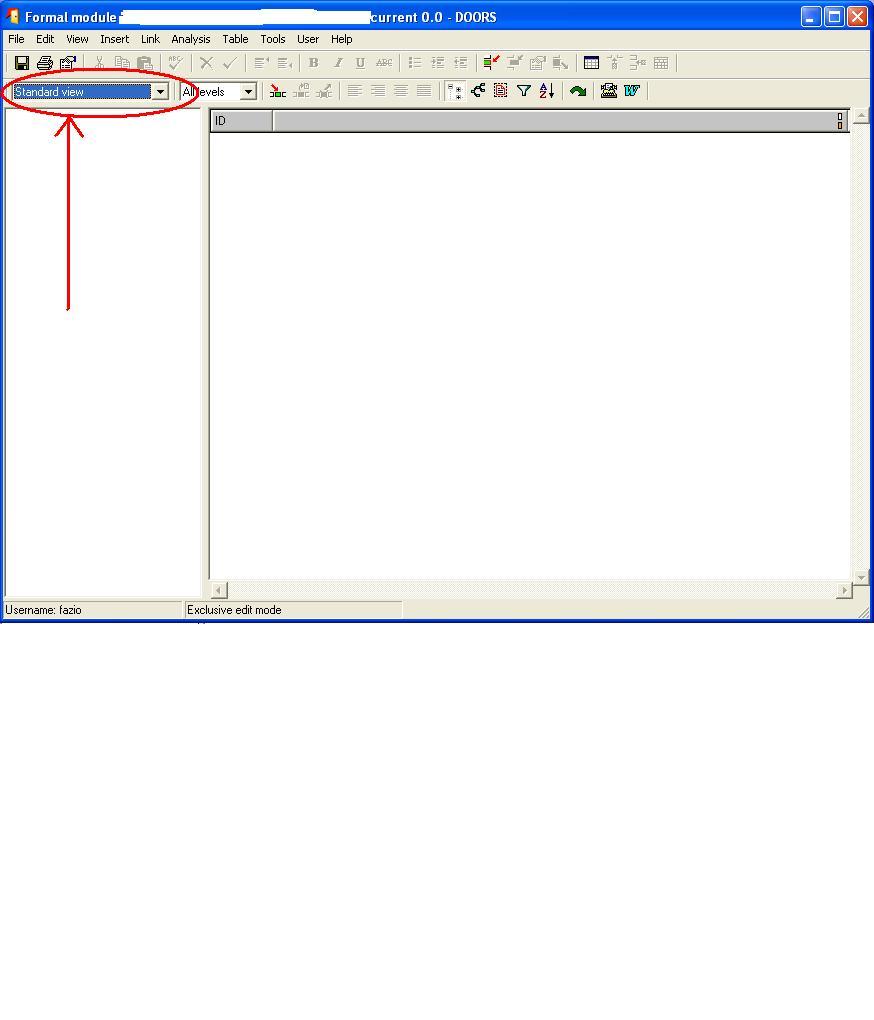
Hi,
I'm using Doors 8.0 and 8.2, and I'm trying to enlarge the View Combo in Formal Module Window, because often the name of Views included in module is truncated... (ok, I can avoid the problem by using the View Managing dialog...).
As end user I think it is impossible... I arrived at this point:
-
in the file {...}\lib\dxl\config\formal.dxl I found the function "void createFormalButtonBar2()", where there is the command "createCombo viewCombo". I cannot use createEditableCombo, it does not exist in Doors 8.x
-
it is possible to create a combo box inside a toolbar, but I can insert this toolbar only within a dialog box, and not inside a 'ButtonBar' .... any attempt to 'force' a dialog box 'inside' a module window by modifying the above formal.dxl file, was stopped by a Doors crash (obviously...)
Is there any solution or work-around ? Thank you in advance...
tricipi - Fri Jul 27 09:34:24 EDT 2012 |